The Website Photos You Actually Need
Let's talk about the thing that makes or breaks a website before anyone reads a single word: your photos!
We see it all the time. A business owner has great branding and a service people genuinely love. But their website has a blurry phone from 2019, three stock photos of women laughing, and AI photos and it all just feels a little off. When things feel a little off, people will not trust you and if they don't trust you, odds are low they are going to book with you!
The good news? One photoshoot can fix it all. Whether you set up your iPhone on a tripod or have a friend take photos of you or invest in a professional shoot in a studio or your salon, intentional, beautiful photos are going to make your website POP.
Let's dive into what types of photos to get!
Why your photos matter more than you think
People decide how they feel about your business in 0.05 seconds (credit). Your photos are doing the heavy lifting on trust long before any other page gets a chance to be seen.
When you're a small, women owned business, you are the brand. Clients want to see the face behind the business, the space they'll walk into, and the products or experience they're paying for. Real, intentional photos say "I'm legit, I'm professional AF, and I'm someone you'd actually want to work with." Stock photos say "I ran out of time."
And here's the part most people don't think about! Website photos have a job. They need to be able to fit specific spots on your site, leave room for headlines and buttons, and work on both desktop and mobile. That's why a shot list matters.
The shots every website needs
When
we build sites for our clients, there are a handful of photo types we ask for every single time. Here are a few of the big ones:
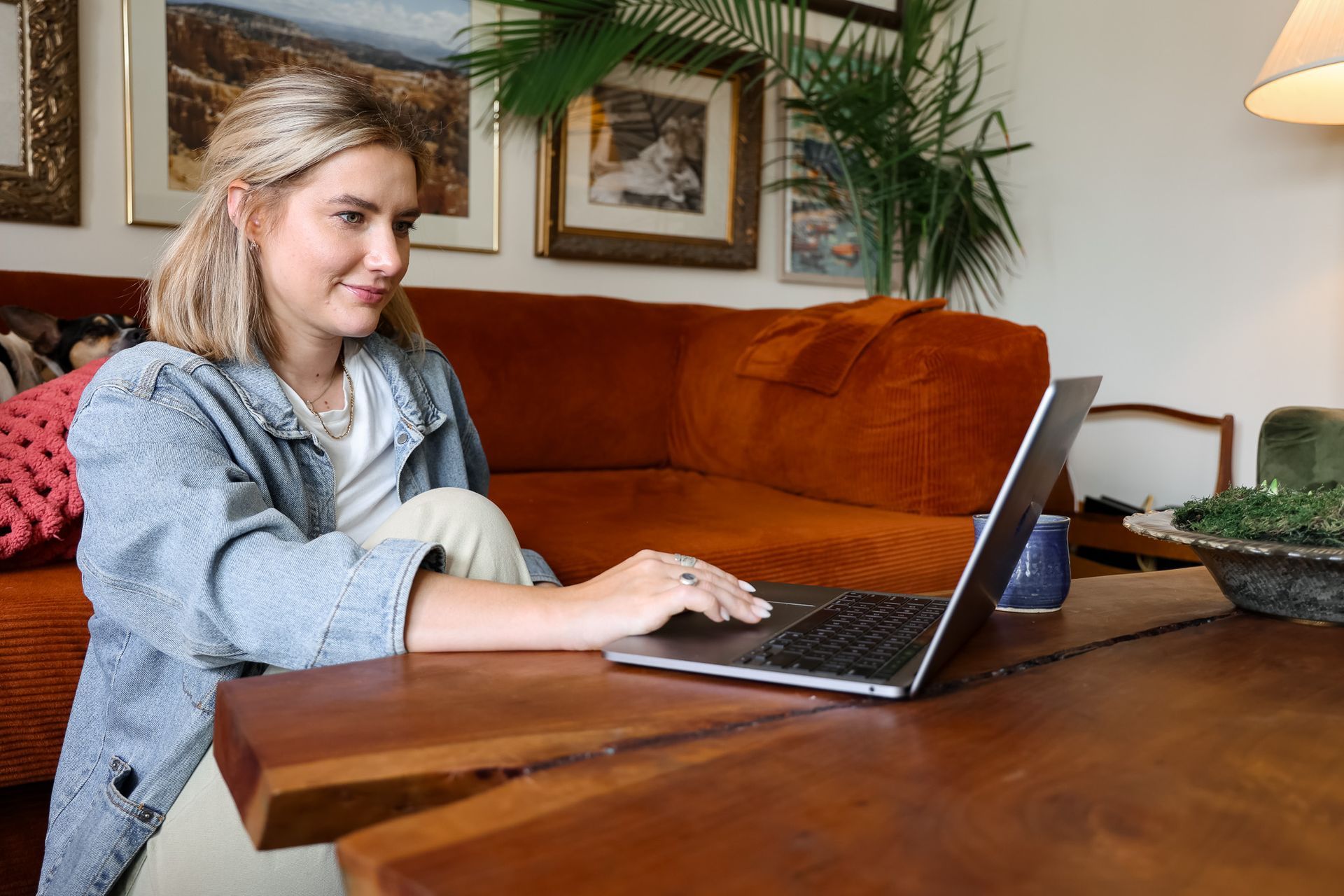
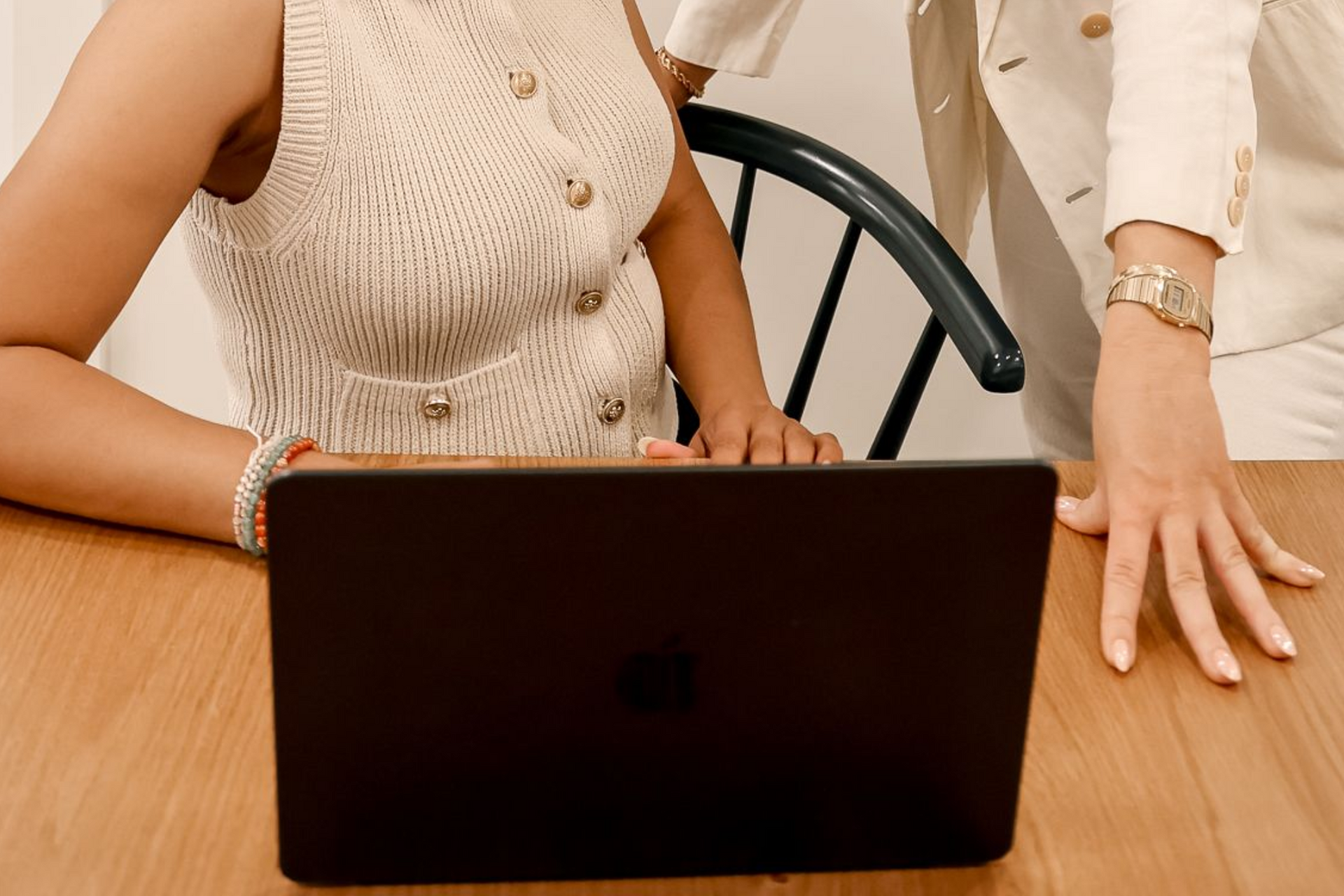
1. Off center horizontal shots. This is the number one photo people forget. Banners on websites need wide photos where you're standing to the left or right of the frame, leaving open space on the other side. That empty space is where your headline and booking button can live. Grab a few with you on the left and a few on the right so you've got options!
2. Vertical headshots. These go on your About page, your bio, and pretty much everywhere you introduce yourself. The trick is variety: a few different poses and settings so your site doesn't feel like the same is photo copy pasted on every page.
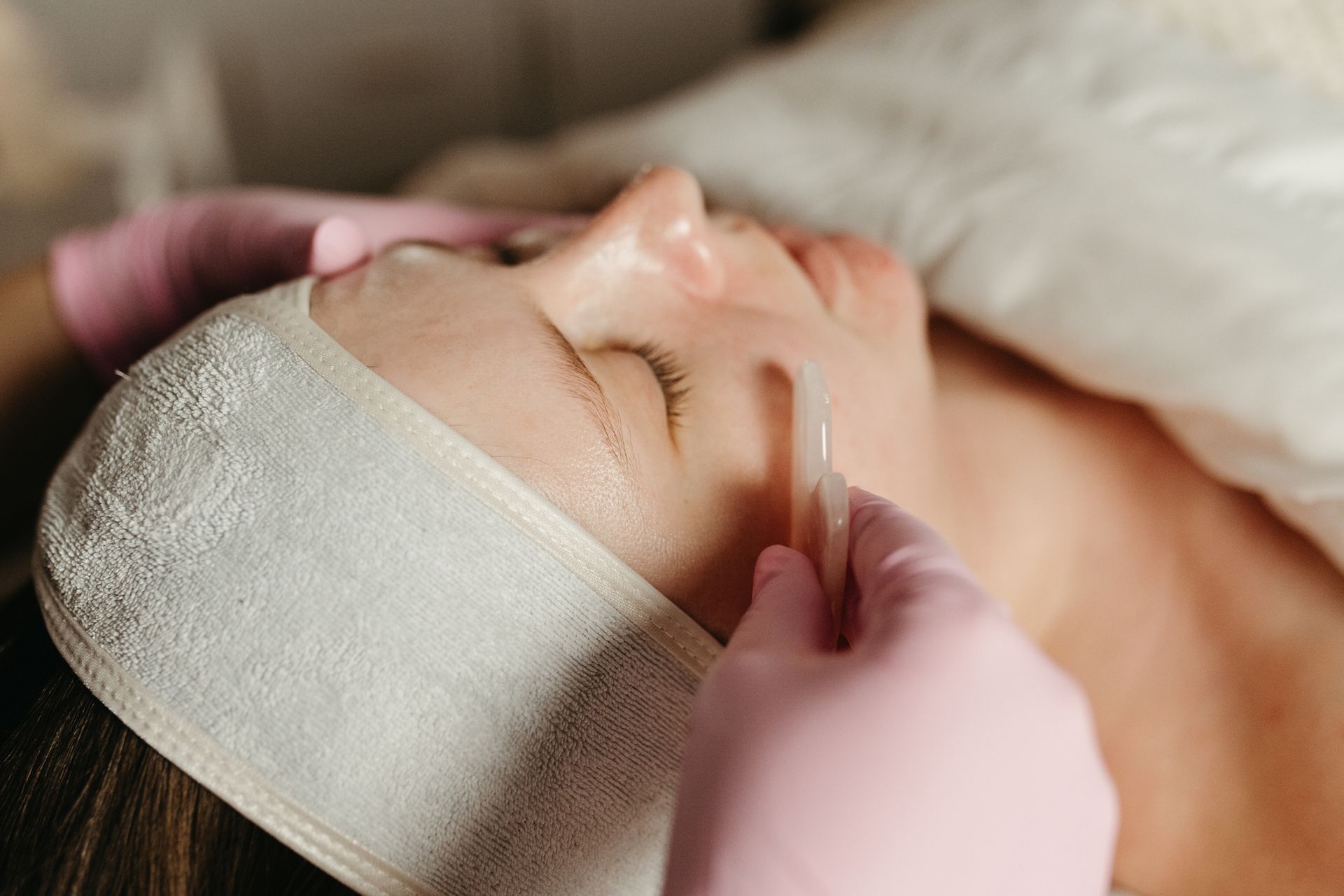
3. Product and detail shots. If you sell products or use them in your services, they deserve their moment. Close ups and flat lays make beautiful background images! Grab a variety if you can.
4. Your space. Your studio, office, or shop is part of the experience. Showing clients where they'll be helps them feel comfortable before they ever walk through the door.
A little prep goes a long way
The best shoots don't happen by accident. A few things to do before shoot day:
- Build a Pinterest board. Pin poses, colors, and vibes that feel like your brand. Don't worry about copying exact shots. Focus on mood and energy so you and your photographer are on the same page.
- Plan a few outfits. Two to five looks, depending on how long your shoot is. Keep them varied but cohesive with your brand colors so your photos feel like they belong together.
- Gather your props early. Nothing's worse than realizing on shoot day that you left your favorite product (or your branded mug) at home! Put em all in one place so you're set on photoshoot day.
Grab the free guide
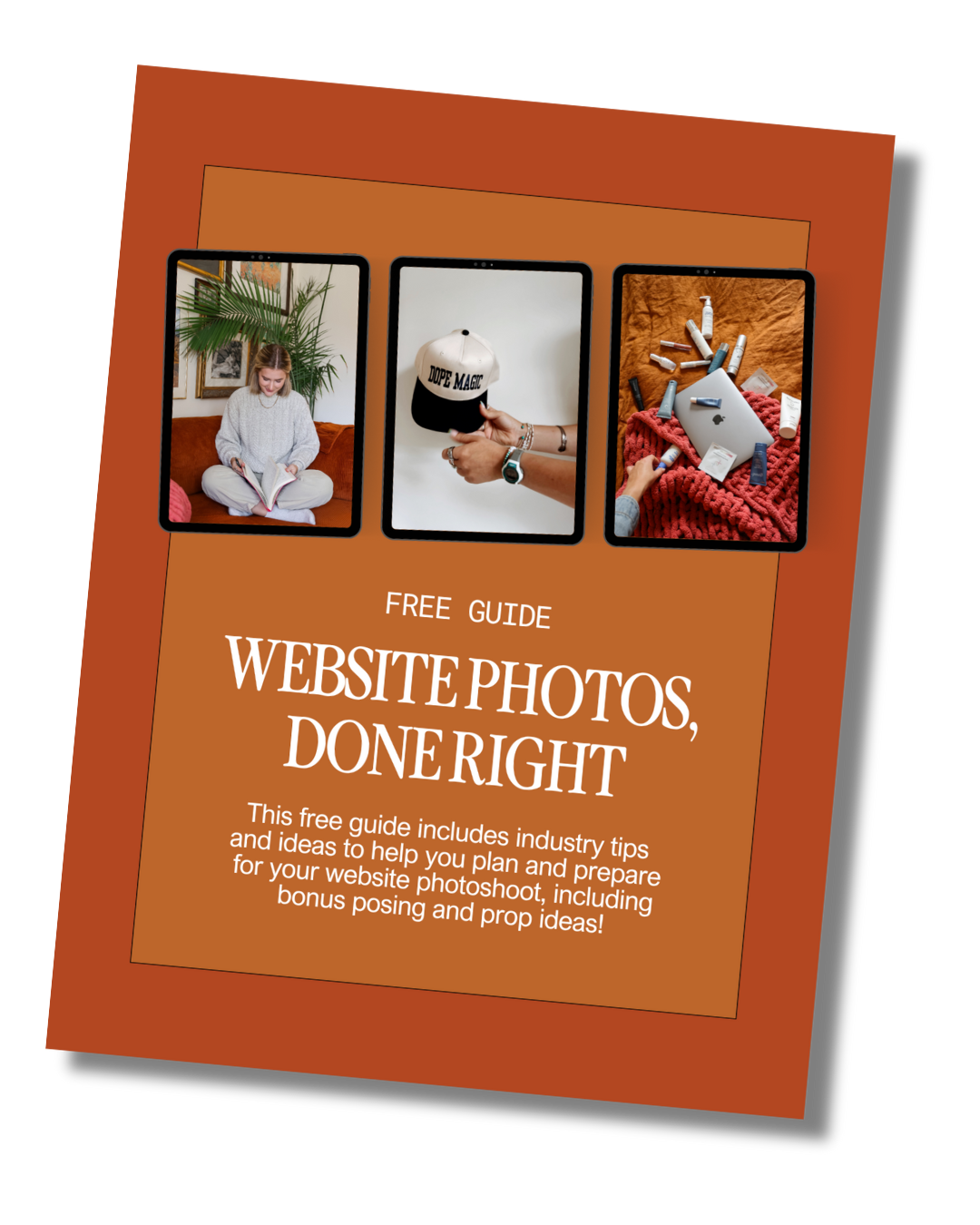
Ready to walk into your shoot with a plan? We've created a free resource that covers it all. In it, you'll find:
- The complete photo shot list we give our own clients
- How to prep for shoot day, step by step
- A full props checklist, organized by category
- Bonus posing and prop ideas
Your website deserves photos that make you look like a total baddie. Download the guide, send it to your photographer, and let's make your site look professional and elevated. Grab it below!
Download the Website Photoshoot Guide
If photos have been the thing holding you back, this free guide walks you through exactly what to capture for a high-converting website.
photofreebie