The Pre-Launch Checklist Every eCommerce Website Needs
So your new website is almost ready.. exciting! But before you go live, there are a few things you'll want to have locked in to make sure your launch actually converts. Whether you're launching your first online store or adding eCommerce to an existing site, this checklist will help you feel confident and prepared on launch day. Let's dive in!
Share Your Client Only Password (More Than Once)
If you have a password protected collection for your clients, don't just send the password once and call it a day. Share it in your launch emails, in person, and on your stories. Your clients will most likely need to hear it multiple times to remember so make it something easy and related to your brand. For example, if your business is Glow Esthetics, maybe the pw is just "glow". Don't overcomplicate it!
Update Your Link in Bio
Your Instagram bio is prime real estate. Before you launch, make sure it's linking to your new site, your store, your booking software, and any other key pages. Tools like Linktree or a custom link page on your website make it easy for people to find what they're looking for!
Start Promoting 2–4 Weeks Before Launch (At Minimum!)
Don't wait until launch day to start talking about it. Begin teasing your new site 2–4 weeks out. Share what's coming, why you're excited, what's new, and what your clients can expect. If you feel like you're talking about it too much, talk about it more ;)
Learn what we've seen is the #1 differentiator between a successful launch and a flop.
Send Launch Emails at the Right Times
Plan to email your audience at least three times: 7 days before launch, 3 days before, and on launch day itself. These emails should include your client only store password (if applicable), any launch specials you're running, and a clear call to action.
Looking for help with your email marketing? Check out our friend Della at
Sundial Studio.
Set Up a Welcome Email to Grow Your List
Before you launch, make sure you have a welcome email set up for anyone who subscribes through your new site. It can be one email or a series. This is one of the easiest ways to start building your email list from day one and keep new visitors engaged after they leave your site. Offer a discount like 10 or 15% off in exchange for their email as a thank you!
Your email list, like your website, is one of the only things you have complete control over, unlike social media platforms. It's worth starting your list, even if you don't send out emails until a later date.
Check All of Your Discounts
If you're running a launch promo, double check everything before you go live. Confirm the discount duration, whether it's a code or automatic, if it can combine with other promotions, and that it's applying correctly at checkout. Nothing kills launch excitement like a promo code that doesn't work 😅
Connect Meta to Link Products on Instagram
If your store is set up on Shopify, the Facebook & Instagram integration is HUUUUGE. Linking your Facebook catalog to your Instagram account lets you tag products directly in your posts and stories. This is a huge driver of passive sales and something that should be taken advantage of! Once your store is live, every time you talk about a product, it should be shoppable.
Requirements are you must have a business Facebook page so be sure to have one set up before starting the set up.
Stock Up on Inventory Before You Launch
There's nothing worse than getting a wave of orders and running out of product in the first 48 hours. (Even though we've had multiple clients sell out their launches 😉) Before launch day, make sure you're stocked up and ready to fulfill. If your product supplier offers dropshipping (Face Reality and Skin Script both do as of 2026), that's worth exploring as a backup option too.
Tip: If you're nervous about inventory, simply mark all your products as "Pre-Order" and let your clients know all orders will be shipped in a timely manner. They'll be able to add products to their cart with the understanding they might not get their order immediately. This way you can see how much inventory you'll actually need to get!
Get Your Shipping Setup Ready
Get your shipping station should be ready to go before your first order comes in! You'll need a scale, a label printer, shipping labels, bubble mailers in at least two sizes, bags for pick up orders, and boxes for larger orders.
Add the Finishing Touches to Your Packaging
The unboxing experience matters! Think about how impressed you are when you receive a package that is thoughtfully put together vs just a blank envelope with nothing else. Small additions like a thank you card, a discount code for their next order, a branded sticker, or tissue paper can make your packages feel intentional and on brand. We love using
Packlane for custom packaging,
Stickermule for stickers and branded tape, and if you really want to go above and beyond, work with a packaging brand designer like
Mad Kind Design to elevate your whole client experience.
You're Ready, Now Go Launch!
Going live with a new website is a big deal, and the more prepared you are, the more you'll enjoy it. Work through this list, get your team (or just yourself) ready, and then go celebrate, you've earned it!! 🎉
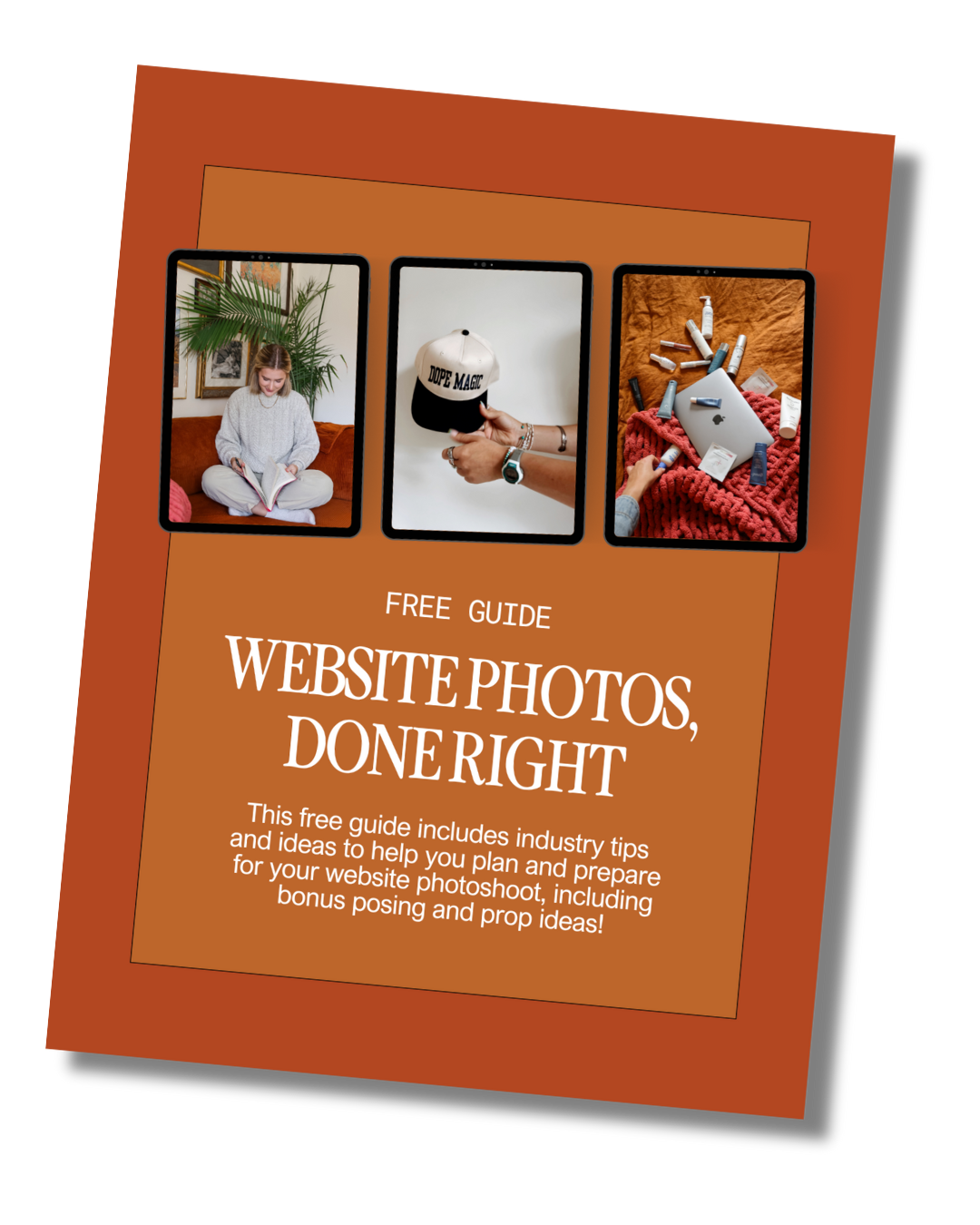
Download the Website Photoshoot Guide
If photos have been the thing holding you back, this free guide walks you through exactly what to capture for a high-converting website.
photofreebie