How to Use Google My Business to Get More Bookings
Let's talk about the free marketing tool sitting right under your nose that you're probably underusing:
Google My Business.
Here's the thing, when someone searches "esthetician near me" or "[your service] in [your city]," Google is going to populate businesses that have a strong Google Business Profile first. That little box with your photos, your reviews, your hours, and your "Book Now" button? That's your first impression. And it's important that you utilize this FREE tool as much as possible.
Here's exactly how to turn your Google Business Profile into a booking machine.
Get Your Reviews On Google, Not Just Your Booking Software
This one is non-negotiable:
reviews need to live on Google, not on Vagaro, Boulevard, Glossgenius, or whatever booking software you use.
Why? Because Google reviews are what show up in search results and Google Maps before someone ever gets to your website or booking page. A glowing 5 star average sitting inside your booking software is invisible to someone who's just discovered you exist. Reviews on Google are what convince a stranger to trust you enough to book.
And if you're still not convinced, check out these stats:
- Businesses with 50+ Google reviews generate 266% more leads than those with fewer than 10 (source: theStacc)
- 59% of consumers say a business needs somewhere between 20 and 99 reviews before they trust its star rating at all (source: Instant Press)
- 81% of consumers check Google reviews before visiting a business (source: Review42)
- If a Google Business Profile has no reviews, roughly 4 out of 5 potential customers are lost before they ever reach the website (source: Review42)
So, work on getting Google reviews!
Respond To Every Single Review
Every. Single. One. Good, bad, three sentences, or just "great service!", respond to all of it. It shows Google (and future clients scrolling through) that you're active, engaged, and actually care about the humans who walk through your door.
Bonus points: encourage clients to mention their city and the service they received in their review, and to attach a photo if they're comfortable. A review that says "Amazing hydrafacial in Lexington, KY, my skin has never looked better 😍" plus a photo does double duty. It's a testimonial and it's basically a keyword rich ad you didn't have to write yourself.
Make Leaving A Review Stupid Easy
People want to leave you a review! They just forget, or it takes too many clicks, or they can't find the link.
Remove every ounce of friction:
- Print a QR code that links straight to your review page and put it somewhere clients will see it like the front desk, on the mirror, or by the checkout.
- Add your review link to your website footer and your Instagram link in bio
The easier you make it, the more reviews you can get.
Use "Posts" + Use Them Often
Your Google Business Profile has a "Posts" feature that works kind of like a mini social feed, and Google loves seeing it used regularly. Posting weekly (daily if you're feeling ambitious) tells Google's algorithm "this business is alive and active," which helps your visibility in search.
Ideas on what to post:
- Current specials or promotions
- New services you've added
- Store updates (hours changes, closures, reopenings, etc)
- Last minute appointment openings or cancellations
- New products you're carrying
Think of it as a low effort, high impact channel that's separate from Instagram but just as important.
Keep Your Photos Fresh
Make sure your profile has clear photos of both the
inside and outside
of your space, so people know exactly what to expect (and can actually find your door). Then keep adding new photos periodically. Google rewards profiles that stay updated, and it gives potential clients a real feel for your space and your work.
Pro tip: when you upload a photo, name the image file itself with a descriptive, keyword rich title before uploading. Something like "esthetician-in-lexington-ky-performing-hydrafacial.jpg" instead of "IMG_4821.jpg." It's a small move that quietly helps your SEO.
Keep Your Hours Accurate, Always!!
This one seems obvious, but it's the fastest way to lose a client's trust. If your listed hours say you're open and someone shows up to a locked door, that's a client who may never come back and may leave a review about it.
If you're closing early, taking a holiday, or shifting your schedule, update it in Google My Business immediately. It takes two minutes and saves you an angry customer.
Fill Out Every Single Field On Your Profile
The more complete your profile, the more Google trusts it and the more Google shows it.
Double check that you have:
- The correct business category
- Your top services listed out
- Your website linked
- A description that naturally includes the keywords your ideal clients are searching for
- Your social media URLs added
- Parking information
And anything else you are able to fill in! A fully filled out profile isn't just good practice, it's a signal "you can trust us". Don't leave money on the table by leaving fields blank.
Your Google Business Profile is one of the best, lowest cost marketing tools available to you and most local service businesses are barely scratching the surface of what it can do. A little consistency here and there (reviews, posts, photos, accuracy, etc) adds up to real, bookable traffic.
Need a hand setting up or optimizing your Google My Business profile? That's exactly the kind of thing we love geeking out over at Dope Magic Co. Reach out and let's get your profile ready!
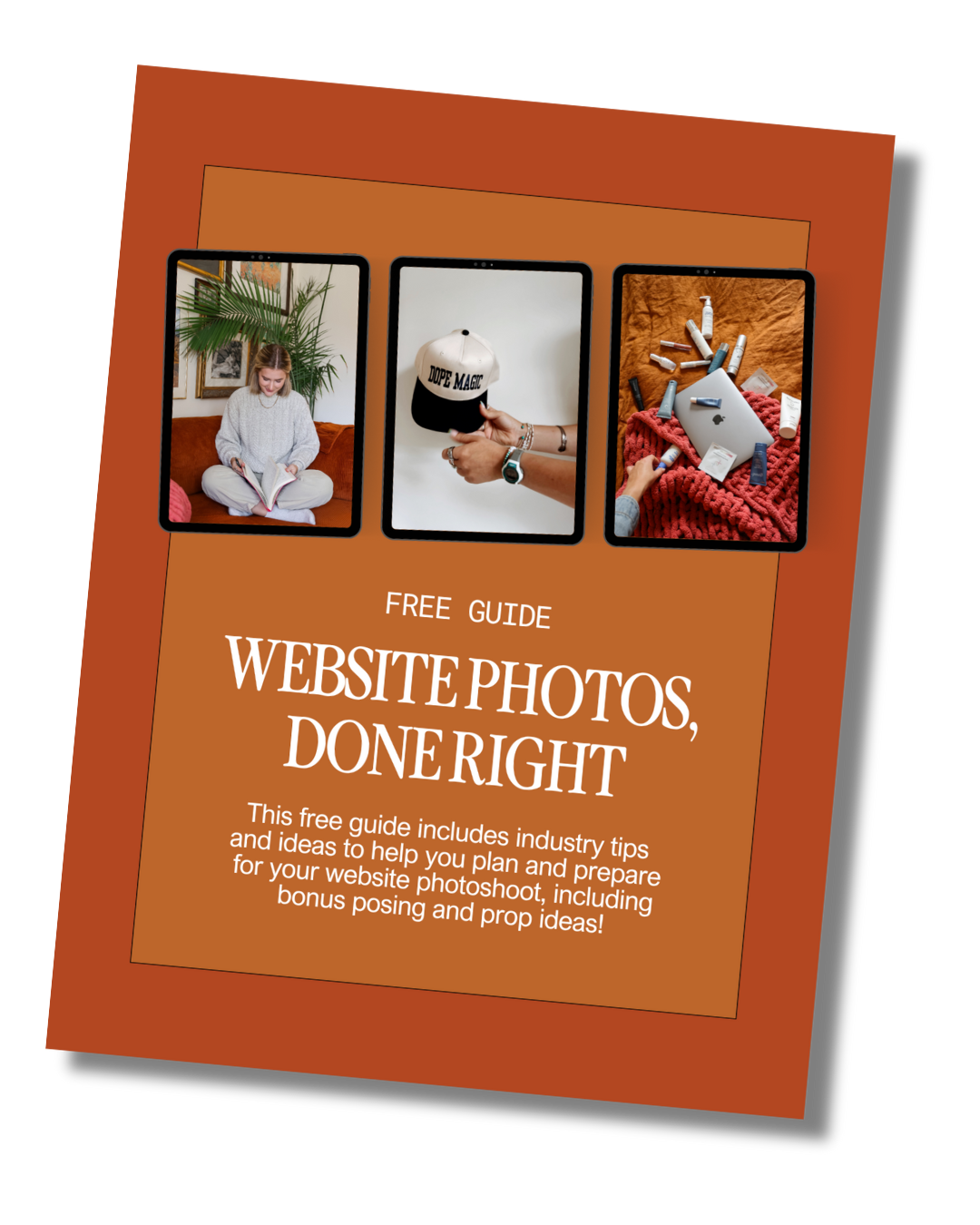
Download the Website Photoshoot Guide
If photos have been the thing holding you back, this free guide walks you through exactly what to capture for a high-converting website.
photofreebie