
How to Buy A Domain
One of the first things you should do once you’ve decided to start a business is buy your domain. Your domain is the www address where visitors can find you online. We recommend GoDaddy to buy your domain. Once you’ve decided what your business name will be, snag that domain by following the steps below!
How to Buy A Domain on Godaddy
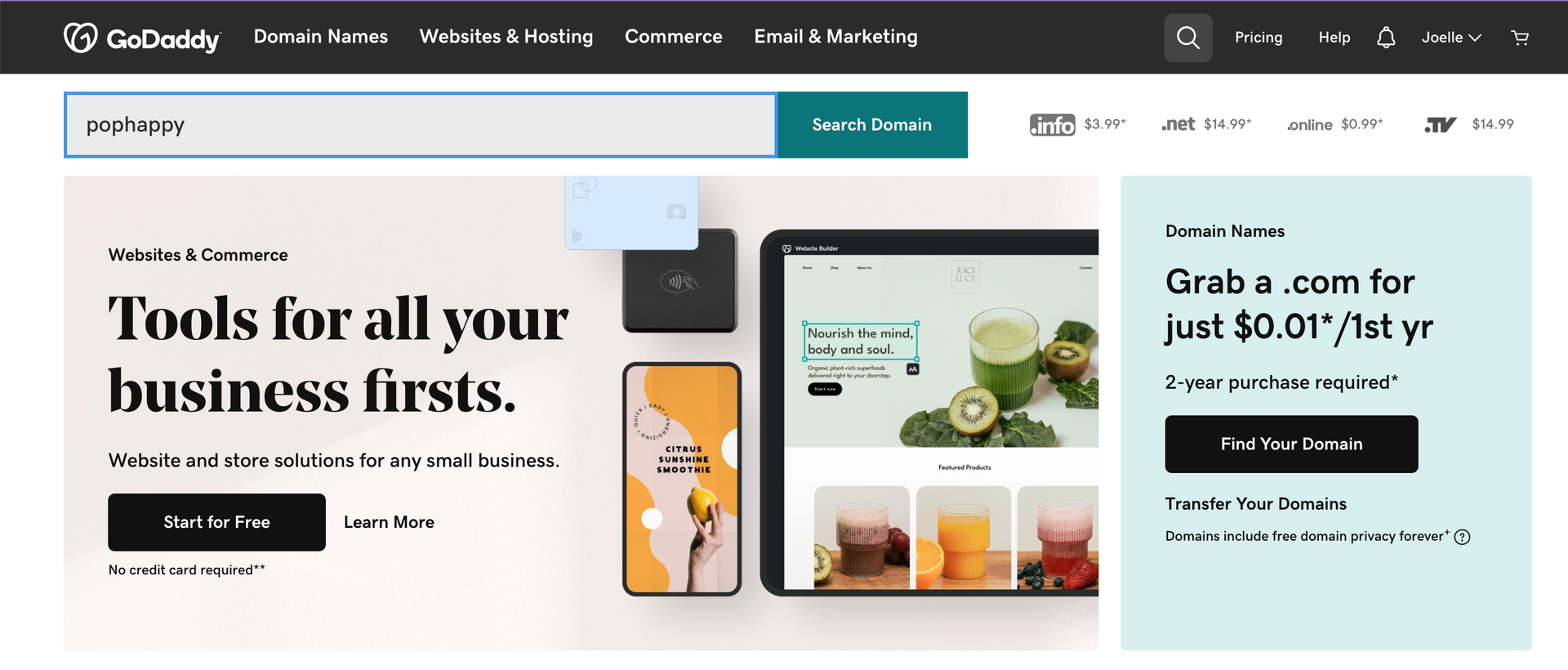
- Go to the GoDaddy website: Visit the GoDaddy homepage at www.godaddy.com.
- Search for your desired domain: In the search bar on the homepage, enter the domain name you want to purchase. GoDaddy will check if the domain is available. If it's taken, you can try a different name or choose from the suggestions provided.
3. Select your domain: Once you find an available domain name you like, click on it to select it. Click on "make it yours" and then "continue". Your domain should cost .01 cents to $20/year.
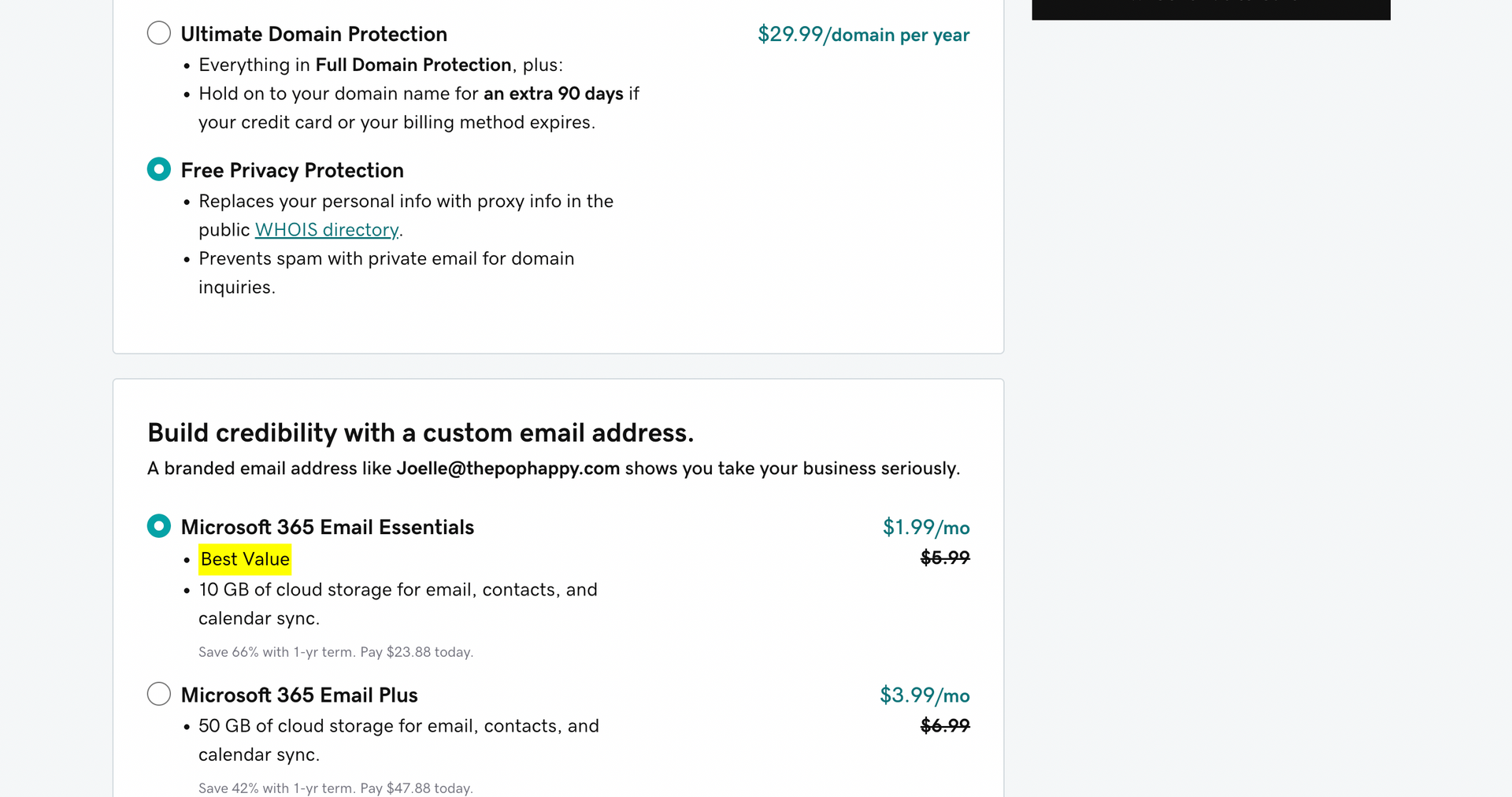
4. Review domain options: On the domain details page, you will see various options related to your domain. Review the information, such as the price, domain extension, and any additional features or services you may want to add. We recommend that you opt for free privacy protection and if you'd like to add an email, you can just get started with the email essentials for $2/mo, though it's not necessary.
**IMPORTANT TO NOTE: Godaddy email is through Outlook. If you prefer GMail, do not purchase an email through Godaddy and instead purchase it through Google and then you can connect your Godaddy domain to your GMail through DNS later.
5. Add to cart: Click on the "Continue to Cart" button to add the domain to your shopping cart.
6. Review your order: On the shopping cart page, review your order details to ensure everything is correct. Godaddy automatically selects one year for email and 5 years for the domain. You can change these to whatever you prefer! We personally opt for one year of domain and 12 months of email (if you purchase email).
7. Proceed to checkout: If everything looks good, click on the "Proceed to Checkout" button to proceed with the purchase.
8. Complete the purchase: Follow the instructions to enter your payment information, billing address, and any other required details to complete the purchase.
And that’s it! You are now the brand new owner of your first Godaddy domain.
It's worth noting that while this is a popular domain registrar, there are other great domain registrars available as well. You can compare prices and features across different registrars to make the decision that works best for you but Godaddy is our recommendation!
Download the Website Photoshoot Guide
If photos have been the thing holding you back, this free guide walks you through exactly what to capture for a high-converting website.
photofreebie